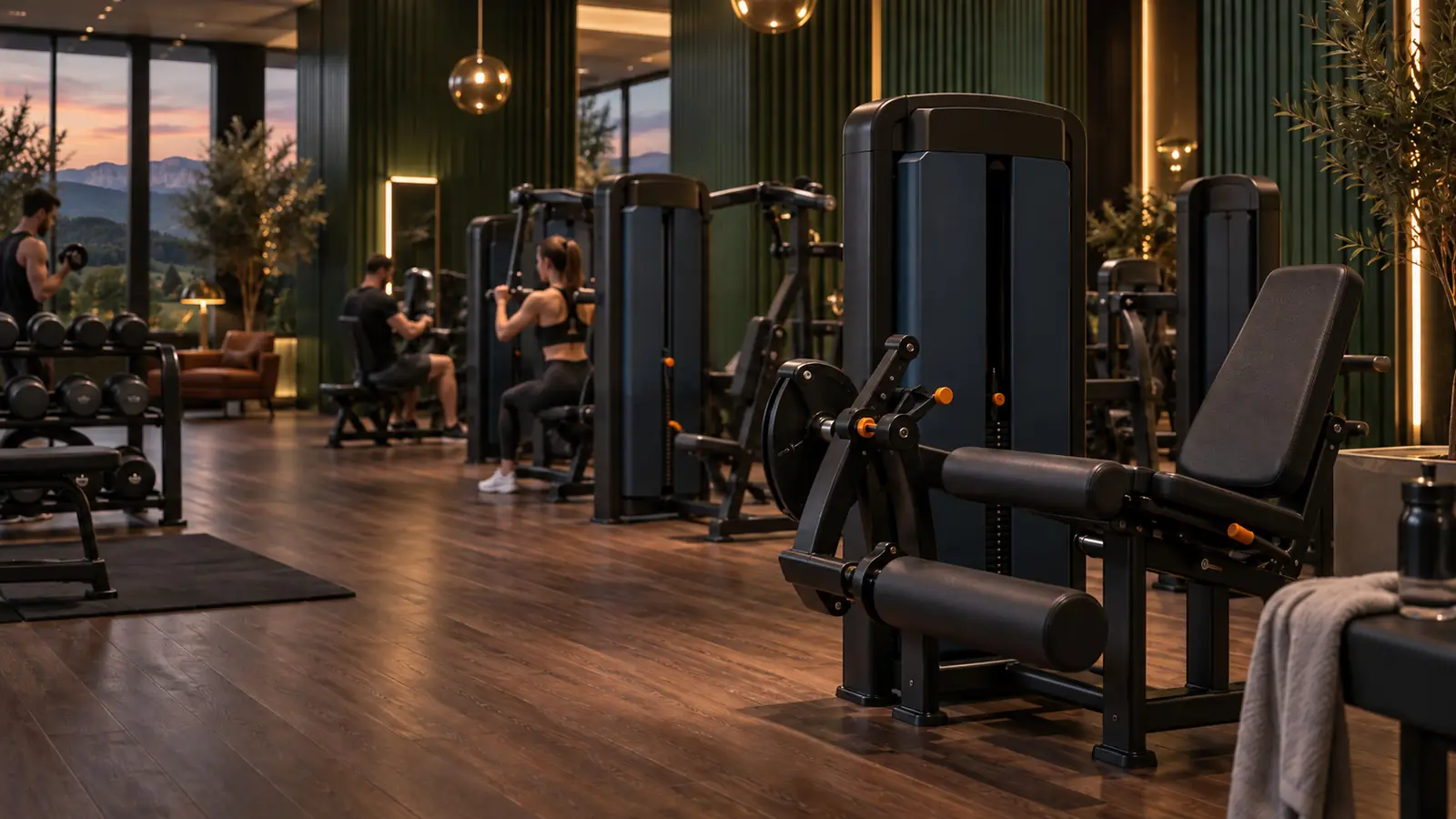
The workout tracking app for gyms
The app your club gives its members.
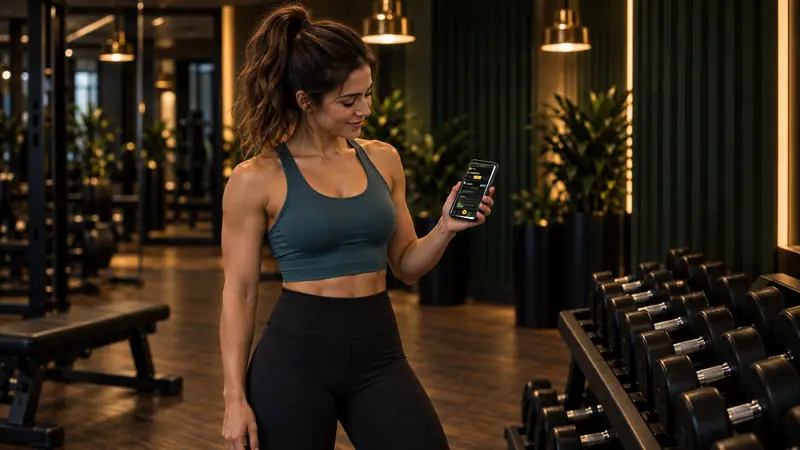
A QR code on every machine. Members scan it, log their set in two taps and follow their progress week after week. Every week, the app gives them the tip of the week, worked out from their sessions.
You see who is drifting away, early enough to win them back. GE2 Train is offered by the gym to its members: the relationship stays yours.
- One scan on every machine
- Two taps to log a set
- Progress you can see every week
01 · Scan
A QR code on every machine.
GE2 Train app · Léa, member


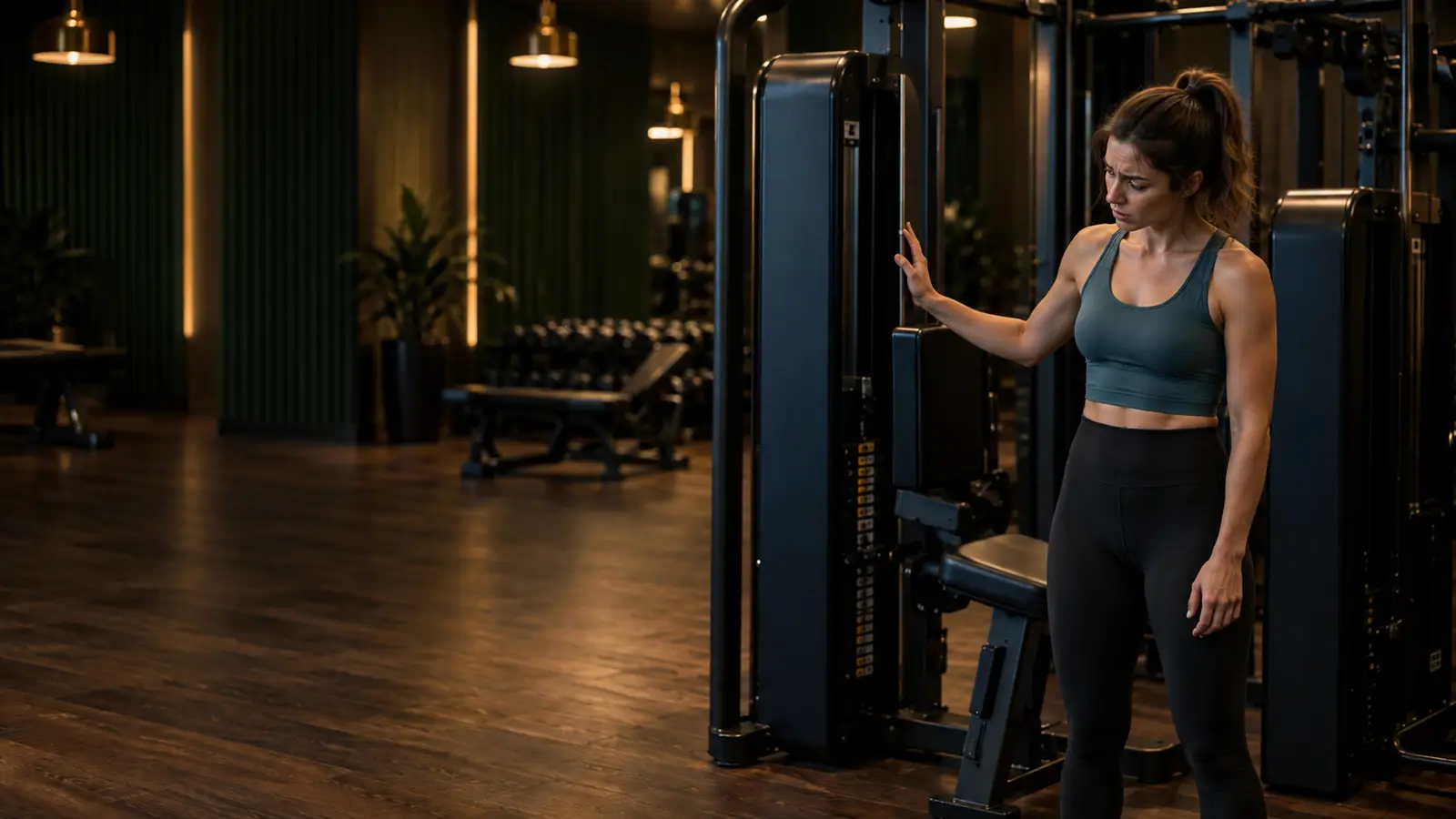
The challenge
Every member wants to progress.
But without a reference point, motivation wears thin. They no longer know what to do on the machines, cannot see their progress, and one day they simply stop coming.
GE2 Train gives them a reference point at every session and shows you who is drifting away, before they cancel.
How it works
Scan, log, progress.
Three quick actions between two sets, without breaking the rhythm. The app opens in the phone's browser: nothing to install from an app store.
-
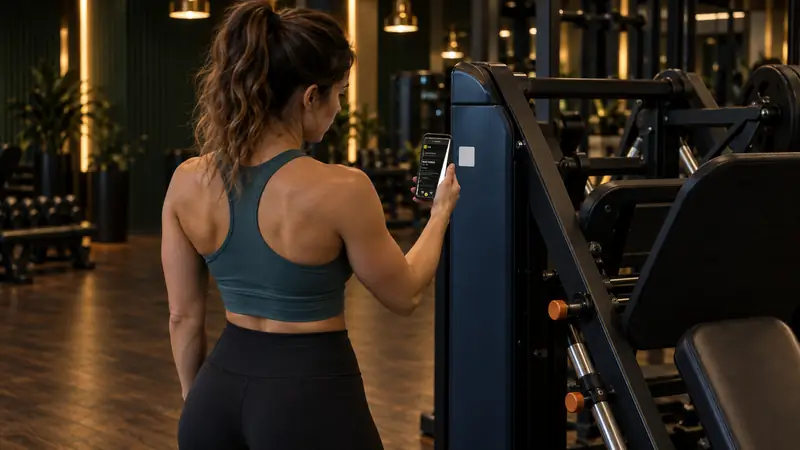
Scan
A QR code on every machine: the right page opens, with the instructions and what they did last time.
-
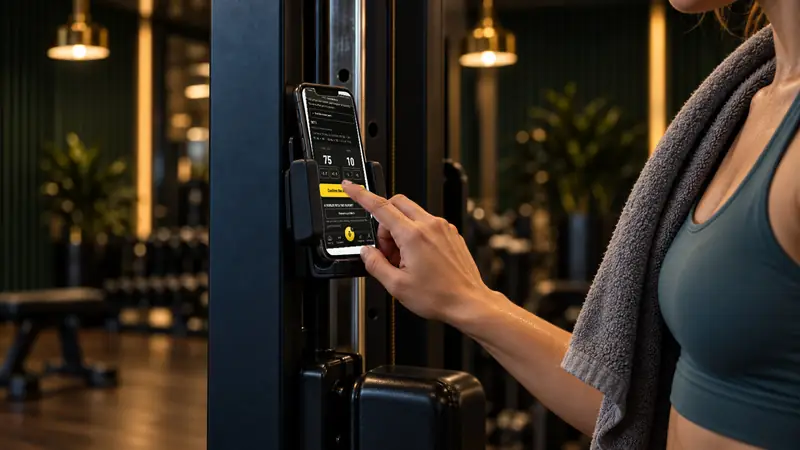
Log
The weight and reps are suggested: they adjust and confirm, in two taps at most. Even offline.
-
Progress
Sessions, personal bests, consistency over eight weeks, and every week the app's tip.
For you, the gym owner
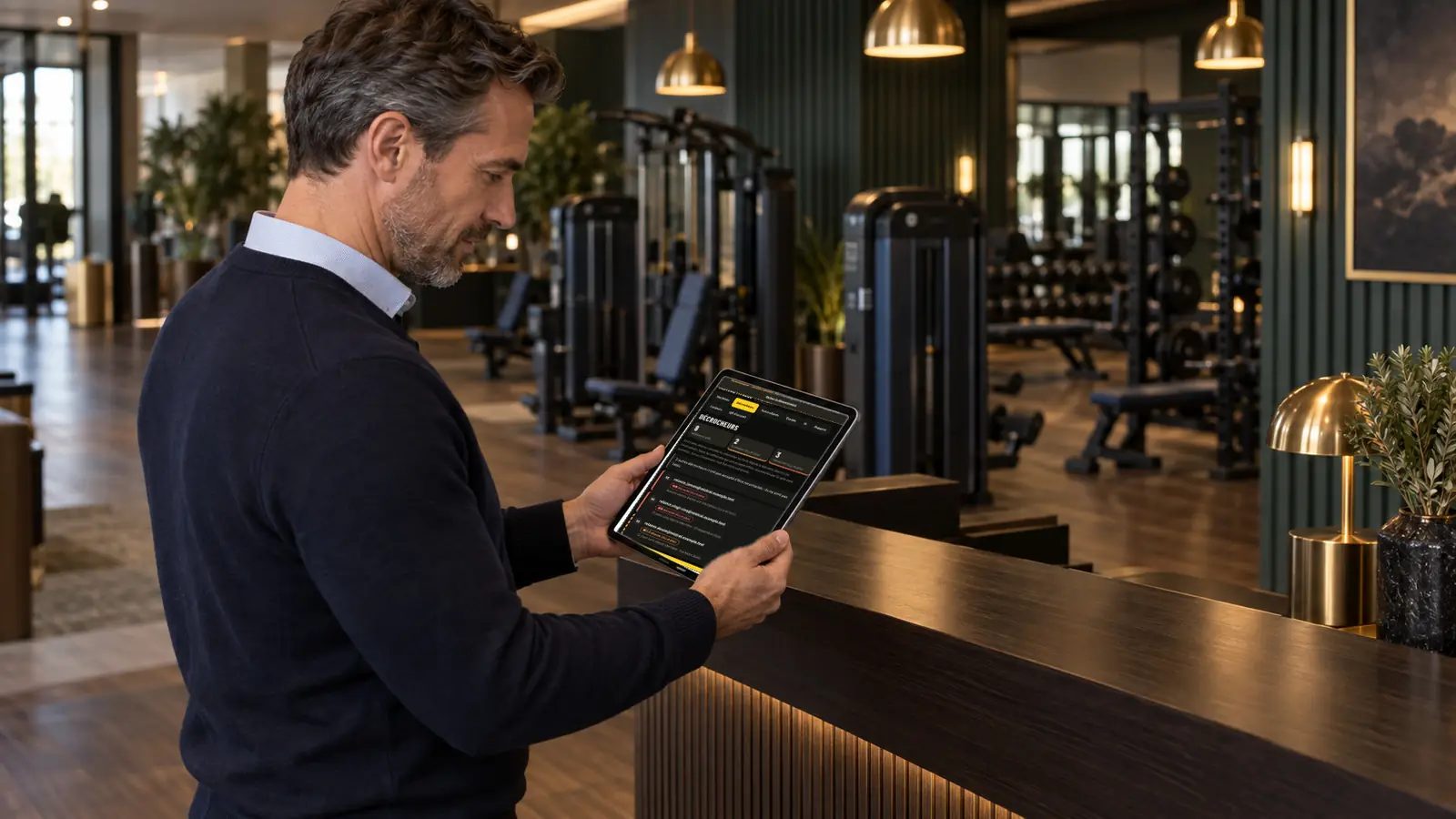
You know who is lapsing.
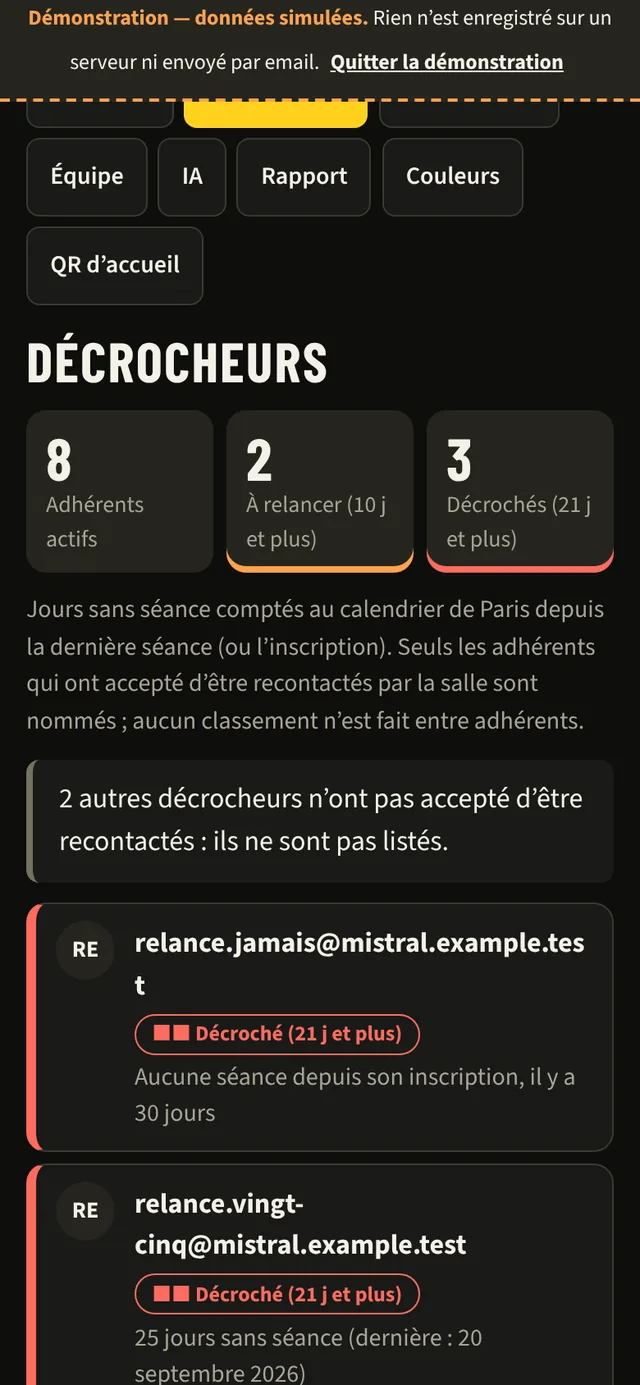
Members with no session for 10 days, then 21 days appear in your area, so you can reach out before they cancel. Only those who have agreed to be contacted are named.
Machine catalogue, QR stickers to print, coaching team, monthly report: it all fits on your phone.
Got a question? Ask the app.
For members and gym owners alike, a round button always within thumb's reach. The answer appears on screen, and can be read aloud.
-
The member's mic
In the middle of the bottom bar: “What weight should I use?”, “An exercise for biceps?”. Answer on screen and read aloud, never about health.
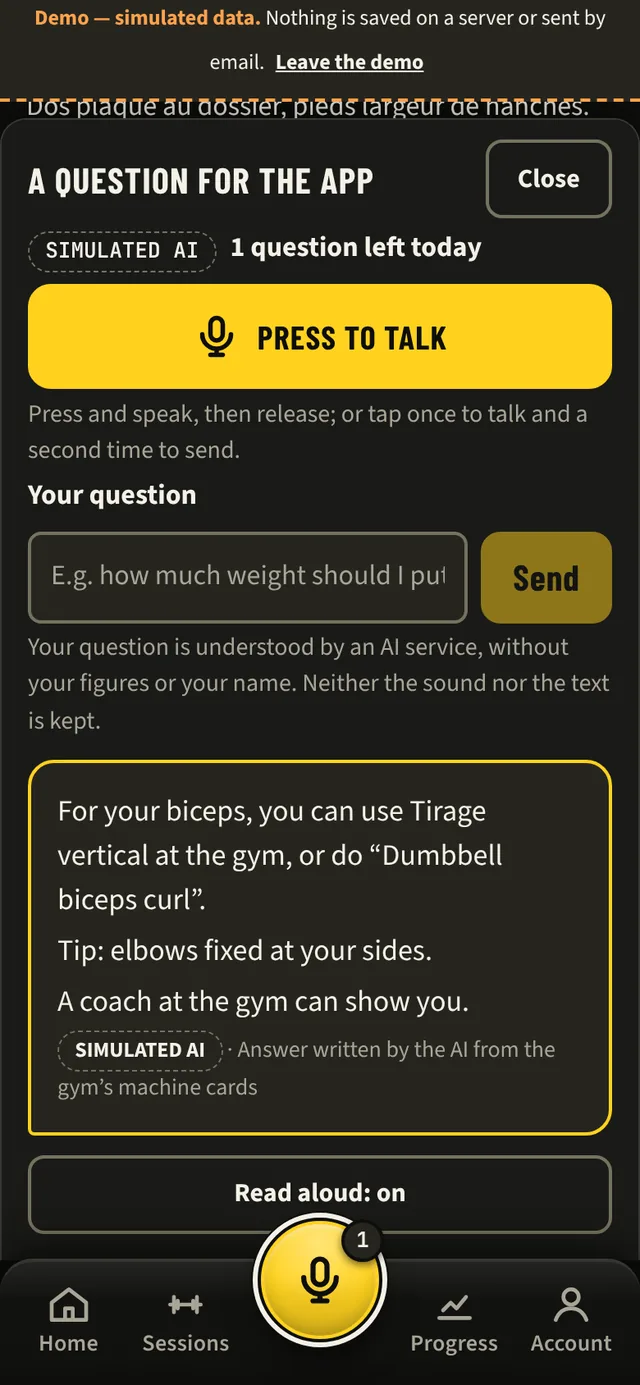
Real screen · simulated demo -
The gym owner's button
“Who should I follow up?” from any screen in your area, by keyboard or voice. “Listen to the answer” option: a short summary, with no member names.
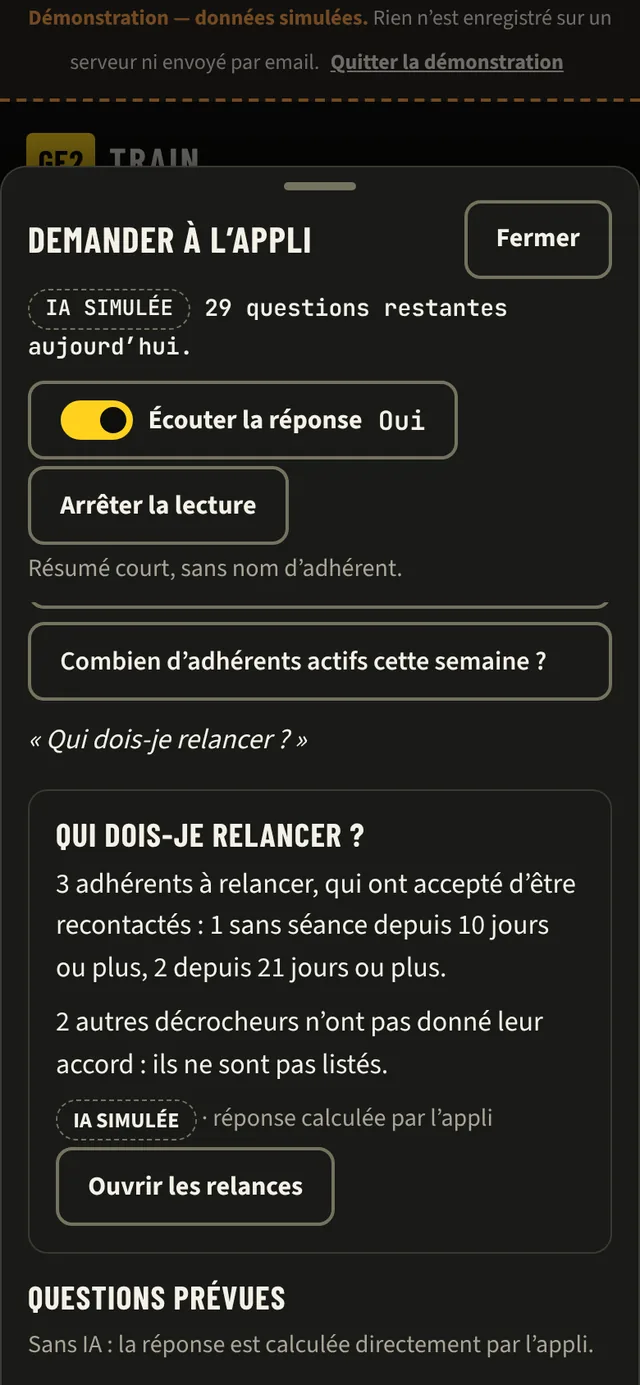
Real screen · simulated demo · in French -
In your club's colours
Logo, colour and welcome image set in your area, with the contrast checked. Login screen and QR sticker sheet in your brand.
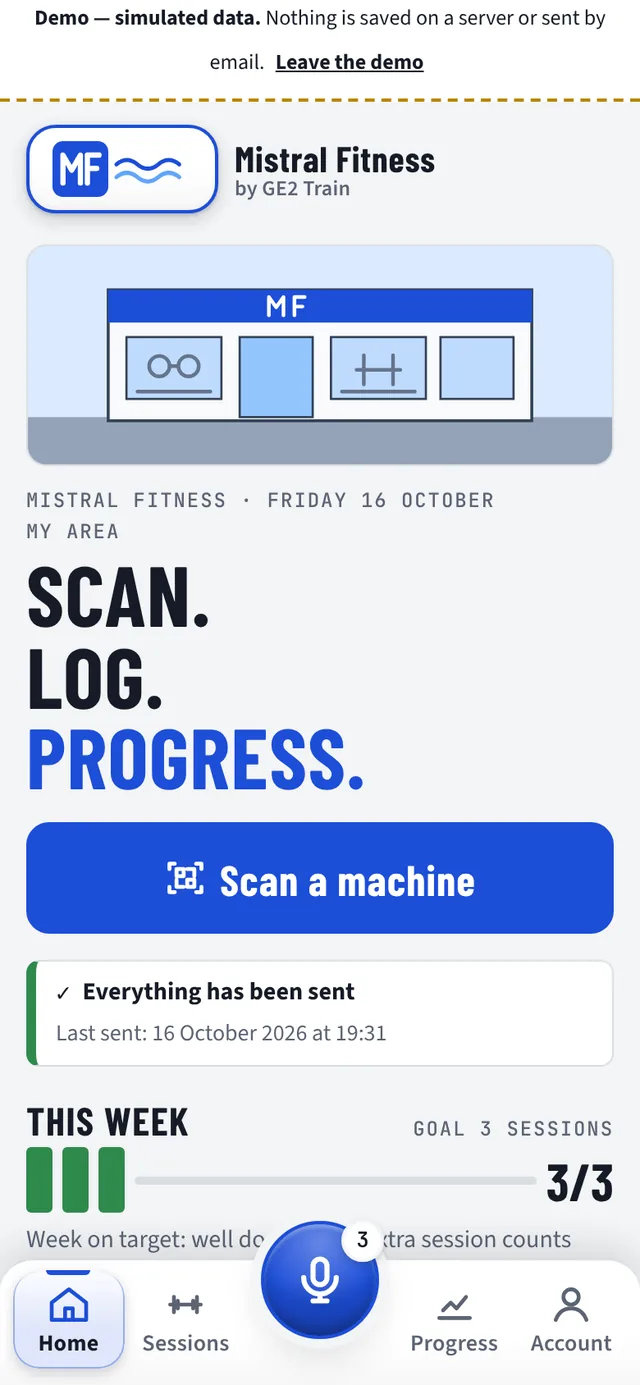
Real screen · simulated demo
What GE2 Train changes for your gym
Members who progress stay.
Retain
A weekly session goal, consistency over eight weeks, personal bests per exercise: members see they are moving forward and have a real reason to come back.
Follow up in time
The list of lapsing members tells you who to follow up this week, with no spreadsheet or extra software.
Advice, effortlessly
Every week, the app works out a tip from the sessions: weight to keep or increase, reps to aim for. Nothing for your staff to write.
In your colours
Your logo, your colour and your welcome image, set by you in the app: members recognise your club from the login screen onwards.
About us
An app from the GE2 family, designed in the gym.
GE2 Train is designed and supported by Éric Pignol. It belongs to the GE2 family, alongside GE2studio, the software for Pilates, yoga and fitness studios, and GE2 Coach Relais, which finds a stand-in when a coach is away.
The same method for every app: start from the gym floor, and test every feature with the pilot gyms. This site only presents as available the features that exist in the app; anything not there yet is marked “In development”.
What next?
See GE2 Train in your gym.
Thirty minutes, on your phone: the member journey first, then the gym owner area.