Gym owner area
Your gym, your members: you know who is lapsing.
An area for the owner and their coaches, on phone, tablet or computer: lapsing members, machine catalogue, QR stickers, team, monthly report, and “Ask the app” on every screen. Each gym only sees its own data.
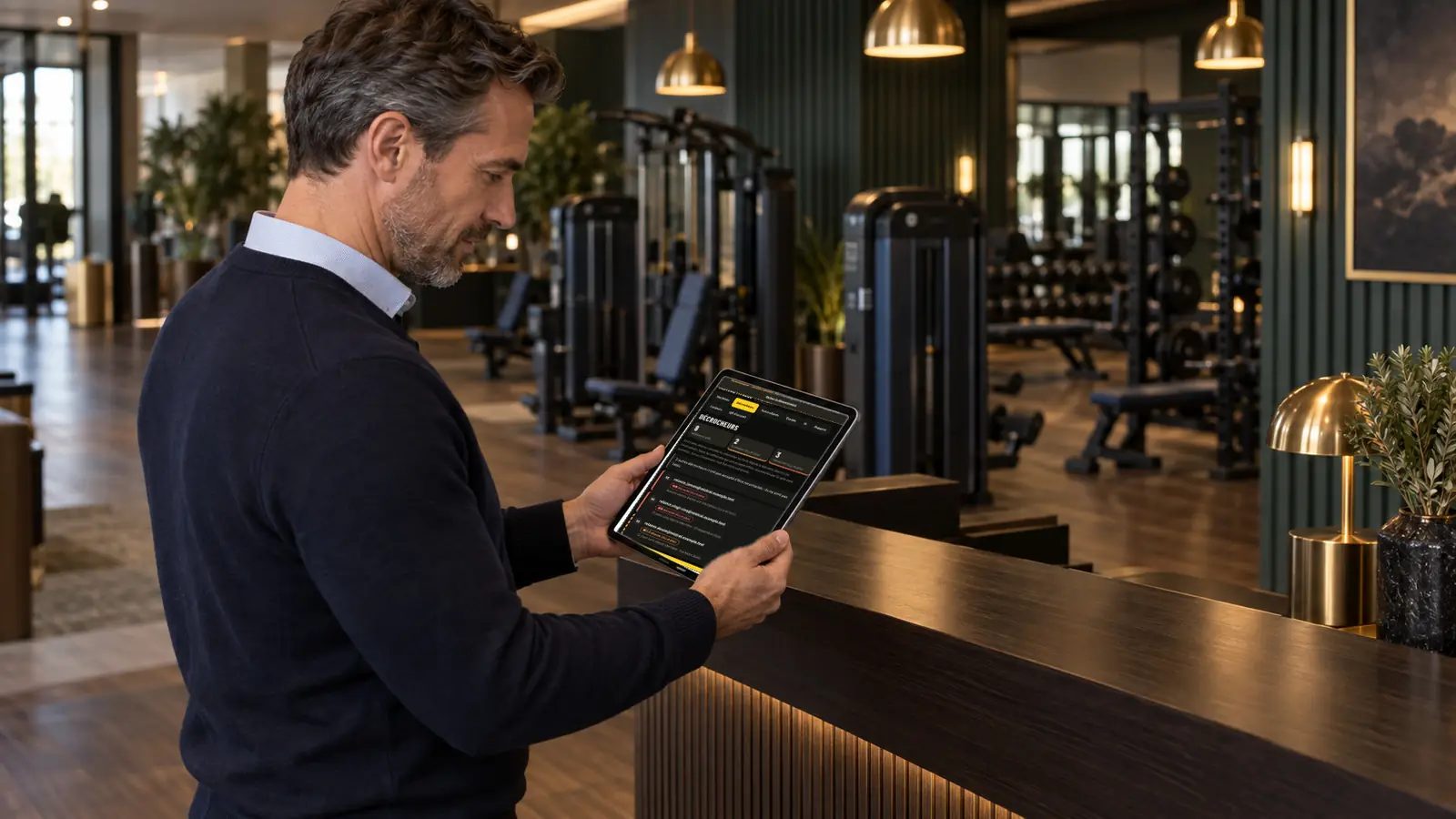
Lapsing members
Follow up before they cancel.
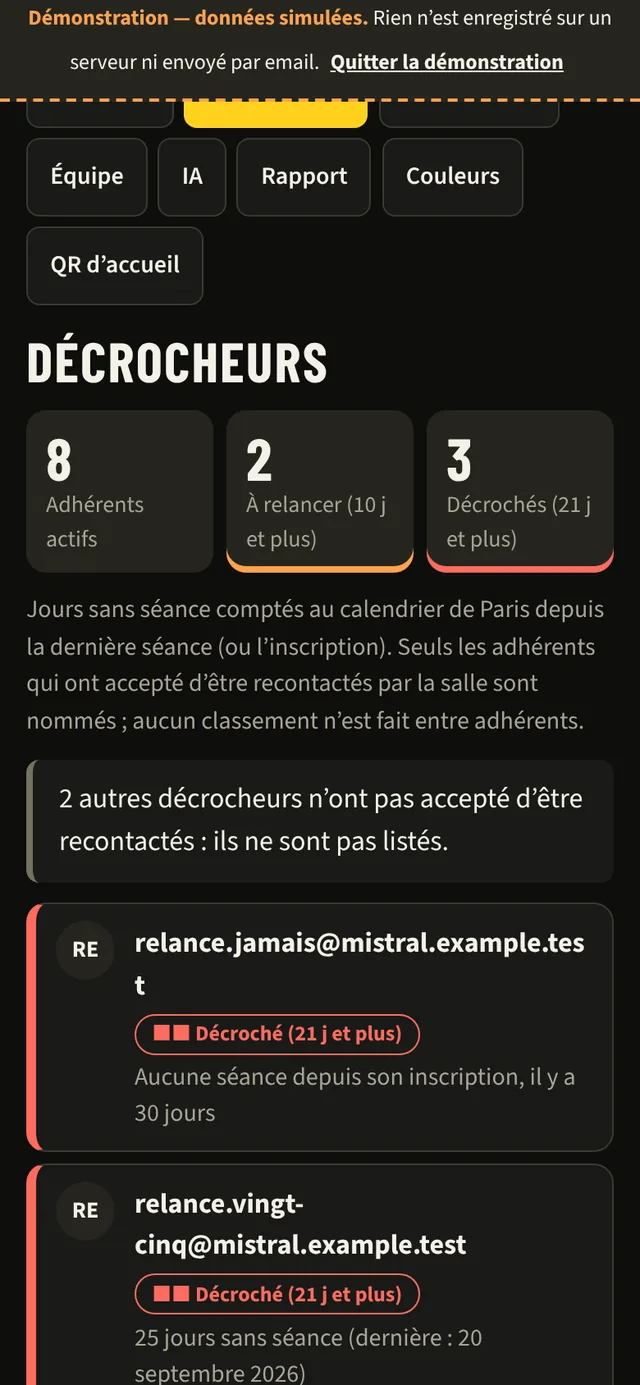
Members with no session for 10 days are “to follow up”; those with no session for 21 days are “lapsed”. Days are counted on the Paris calendar.
Only members who have agreed to be contacted are named, and exports are limited to them. No ranking between members.
Ask the app
In the appA question about your gym? Ask it without leaving the screen.
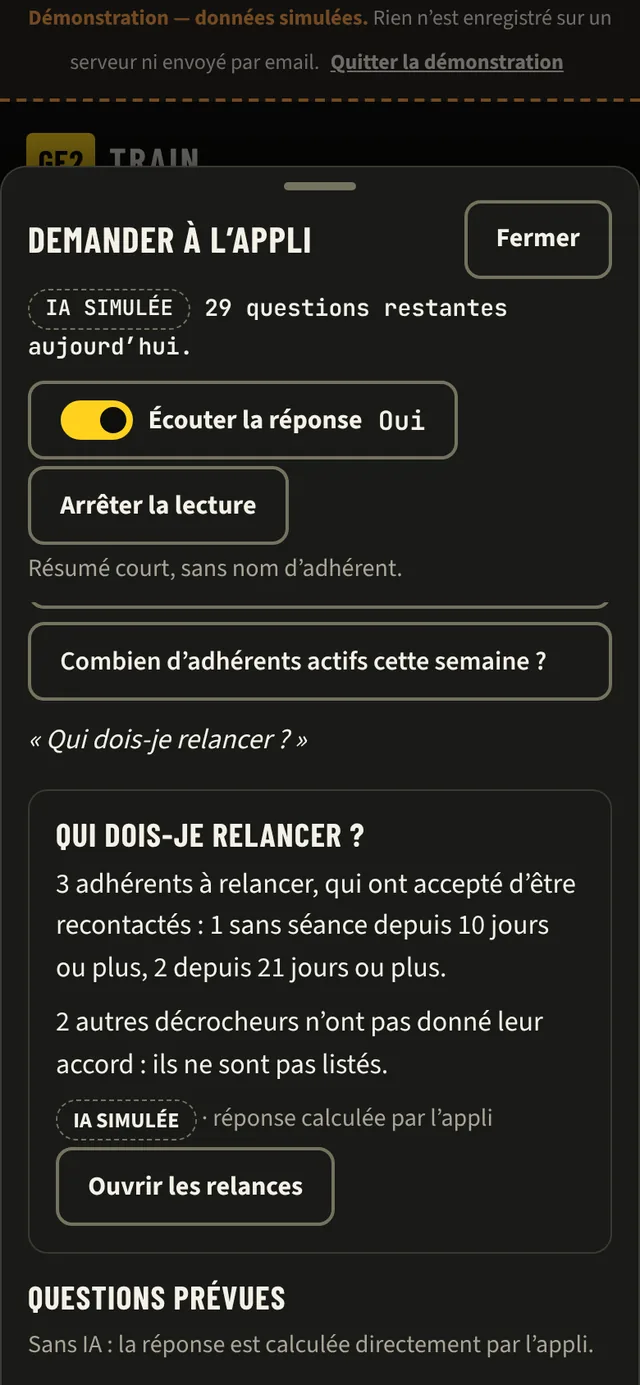
A round button, bottom right, on every screen of the owner and coach area. It opens a panel that slides up from the bottom: you keep the screen you were looking at, and get back to it when you close the panel.
- By keyboard or voice: the phone's dictation, only when you press.
- Suggestions based on the screen: on Follow-ups, “Who should I follow up?”; on Maintenance, “Which machines are out of order?”.
- The app works out the answer from your data; the AI only understands the question, without receiving any figures or names.
- “Listen to the answer”, off by default: a short summary read aloud, with no member names, for example “3 members need a follow-up; the list is on screen.”
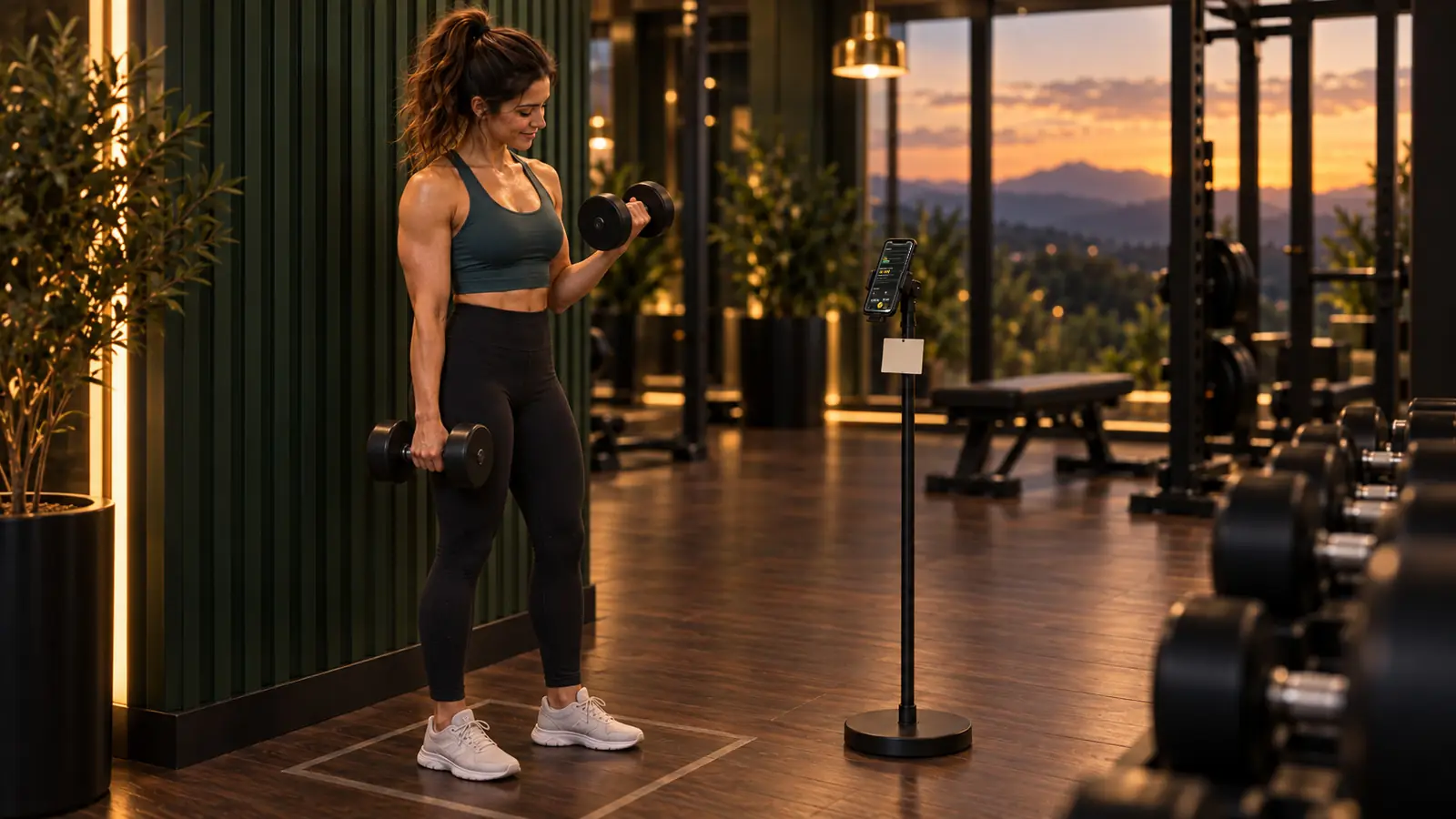
Machines and QR codes
Your catalogue, your stickers.
Add each machine to the catalogue once: its name and the muscles worked. In development: a photo will be enough, the AI will suggest the name and the muscles, and you will confirm.
Print the A4 sheet of QR stickers, with your club's logo, on adhesive paper and stick them on. A welcome QR code lets members sign up. No hardware to buy.
Team and report
Your coaches, your monthly report.
Invite your coaches, remove access in one move. Every month, a report on active members, sign-ups and sessions, with no names or addresses.
The AI budget is capped per gym, with spending visible.
Your brand
An app in your colours.
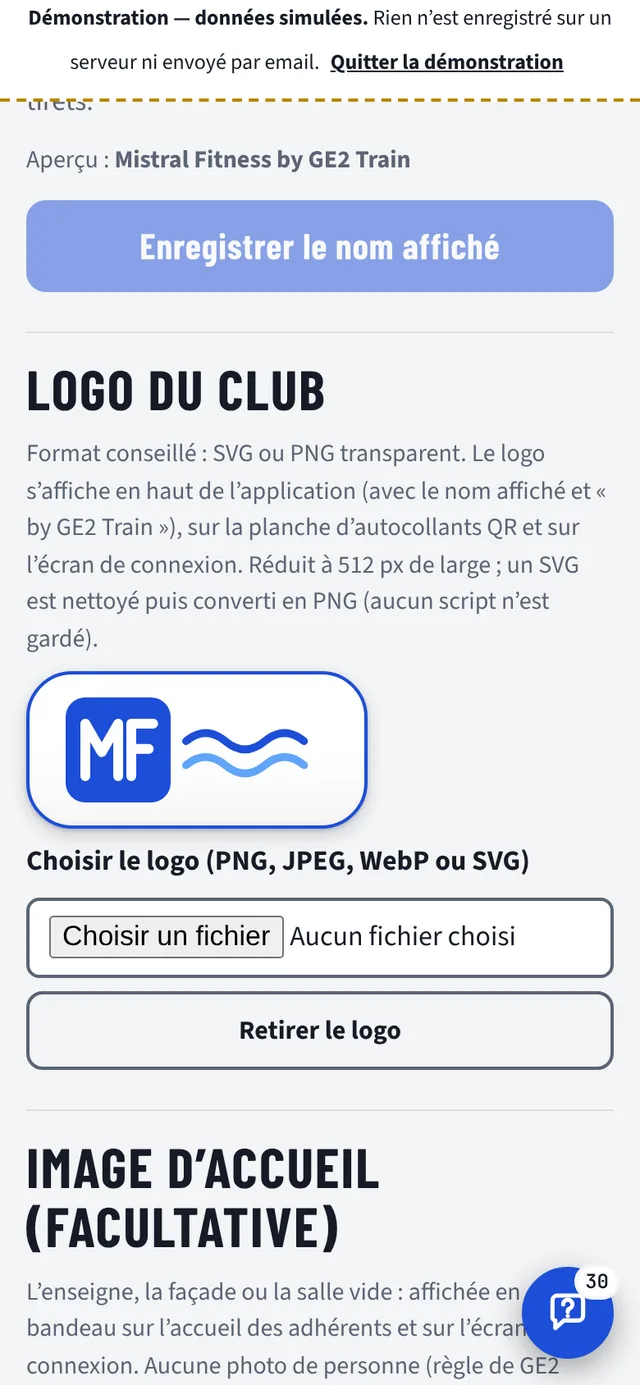
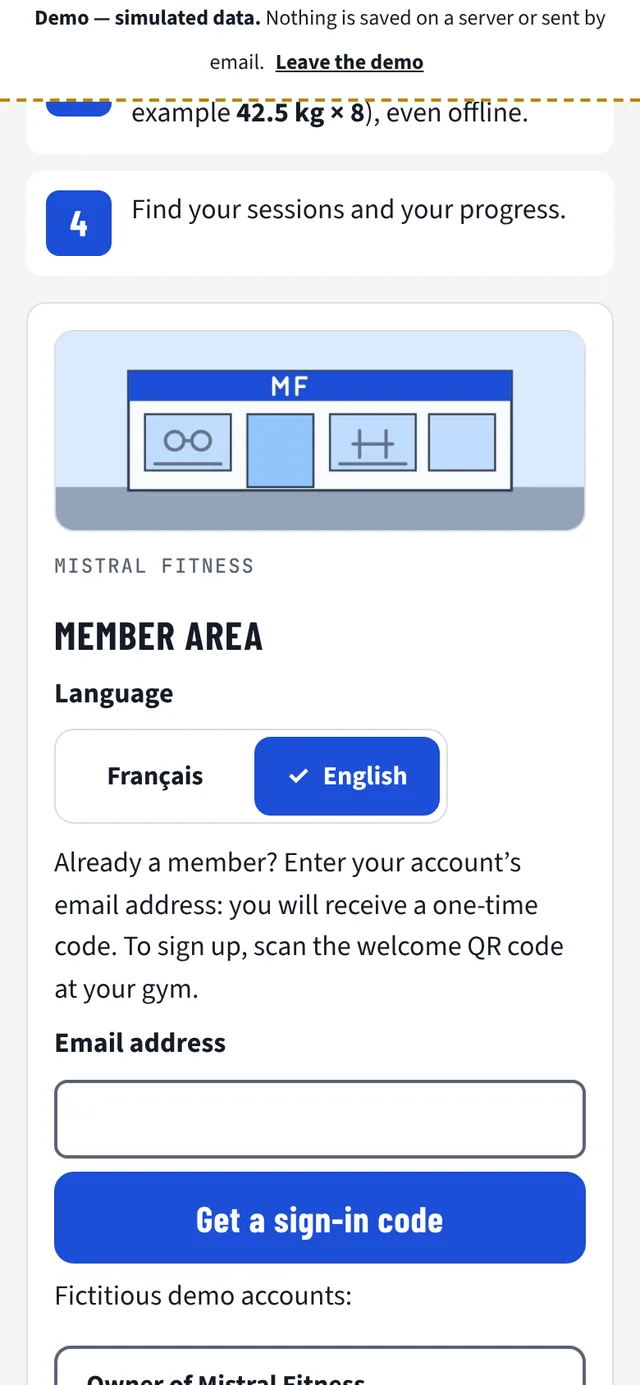
In your area, the “Colours and logo” tab: you set your logo, your colour and a welcome image yourself. Members find your club with every scan, not a software vendor.
White label
In the appYour club, from the login screen.
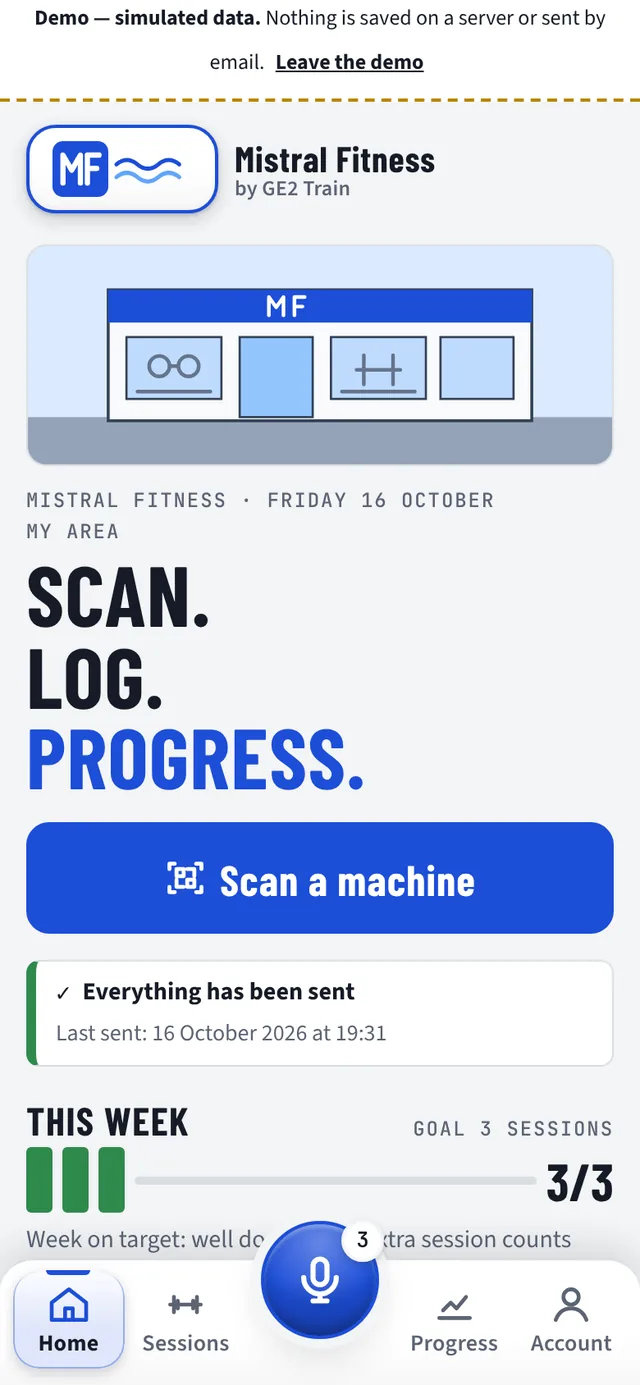
- Your logo at the top of the app, in place of the GE2 brand, and on the QR sticker sheet.
- Your accent colour: the app checks the contrast (WCAG AA) and suggests a close colour if it is too pale.
- A welcome image (frontage, sign or empty gym, with no people) as a banner.
- The login screen uses the brand of the last club used on the phone.
Made to order: the app's icon and name on the phone's home screen, and an address dedicated to your club.
What comes next?
In developmentWhat is in development.
These features are not in the app yet. We announce them once they have been tested in the gym.
-
In development
Guided mode
A guided session machine by machine, with a programme built by AI from the goal and the sessions.
-
In development
Camera analysis
Reps counted by the phone's camera, analysed on the phone, with no video recorded or sent.
-
In development
Demonstration videos
Filmed videos of the exercises. Today, the machine page shows a drawn animation.
-
In development
Free weights area
Tracking dumbbell and barbell exercises, away from the machines.
-
In development
Sensors
Sensors on the machines, in addition to the QR code.
Companion and Augmented coach, above, are also in development.
Data and trust
Your members' data: protected.
GE2 Train is designed to collect as little as possible, and to say so clearly.
Hosted in the EU
The app's data is hosted in the European Union. This site sets no cookies and loads nothing from another domain.
No photos of people
Only photos of the machines, taken by the gym owner, are kept, with private access. No body weight or body measurements; adult members only.
AI does not decide the numbers
Weights, reps, rest: the app does the maths, with progression rules. AI understands the questions; for a member's general question, it writes a short answer from your club's exercise sheets, with no figures at all, labelled as such.
Exportable and deletable
From their account, members download all their data or delete their account permanently.
One gym, its own data
Each gym only sees its own members. No ranking between members, no reselling.
Consent on record
Members choose whether they agree to be contacted by the gym. Without their agreement, they do not appear in the follow-up list.
What next?
See GE2 Train in your gym.
Thirty minutes, on your phone: the member journey first, then the gym owner area.